
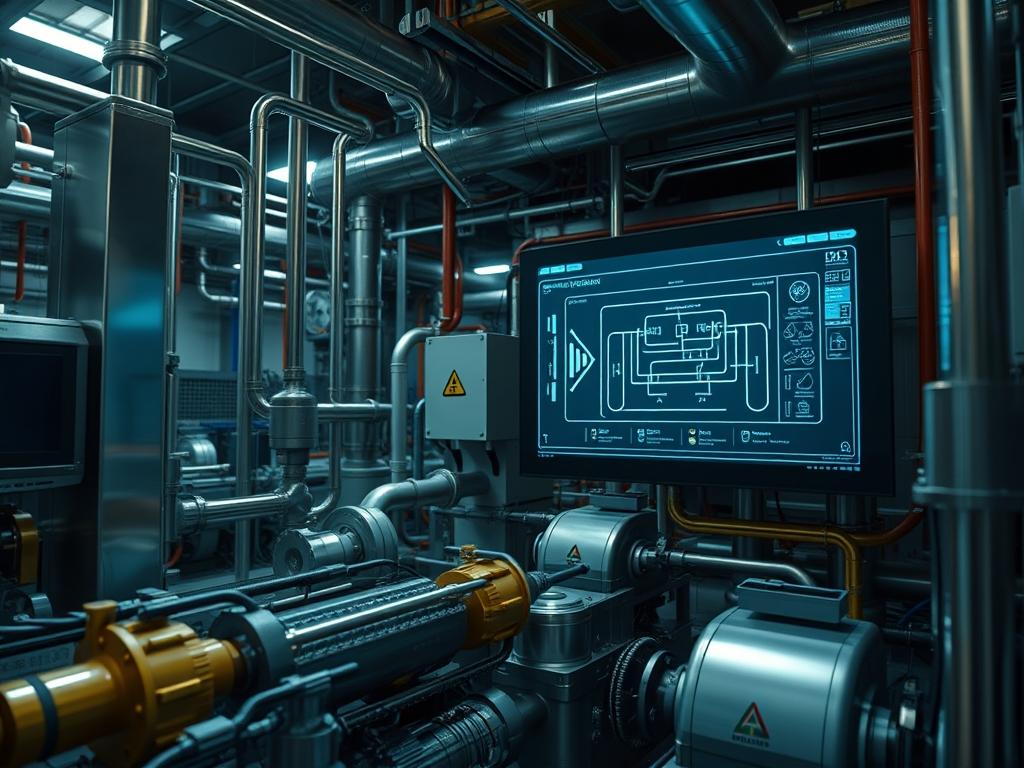
Refrigerant Reclamation Flow constitutes the critical lifecycle management of fluorinated gases within high-density industrial cooling stacks and logistical infrastructure. This process addresses the systemic requirement to extract, purify, and certify refrigerants to AHRI-700 standards; ensuring that chemical assets are transitioned from a state of potential environmental liability to a high-purity operational resource. In the context of large-scale infrastructure, the Refrigerant Reclamation Flow functions as a closed-loop subsystem within the broader thermal management layer. The primary technical problem involves the degradation of refrigerant lubricants and the accumulation of non-condensable gases; which together increase head pressure and decrease the thermal efficiency of the entire facility. The solution presented in this manual utilizes an automated, sensor-driven methodology that integrates mechanical recovery hardware with digital supervisory control and data acquisition (SCADA) systems. By formalizing this flow, engineers can achieve nearly zero-loss recovery while maintaining strict adherence to environmental protocols like EPA Section 608 and the Kigali Amendment.
Technical Specifications (H3)
| Requirement | Default Port / Operating Range | Protocol / Standard | Impact Level (1-10) | Recommended Resources |
| :— | :— | :— | :— | :— |
| Recovery Logic Bridge | Port 502 (Modbus) | Modbus TCP/IP | 8 | 2GB RAM / 1 Core CPU |
| Compression Ratio | 5:1 to 10:1 | ISO 11650 | 9 | High-Torque Electric Motor |
| Purity Verification | 99.5% minimum | AHRI-700 | 10 | Gas Chromatograph |
| Thermal Limit | < 120F (49C) | ASHRAE 15 | 7 | Liquid Injection Cooling |
| System Logging | /var/log/reclamation | POSIX Standard | 6 | 128GB SSD Storage |
| Signal-Attenuation | < 3dB loss | RS-485 / Cat6 | 5 | Shielded Twisted Pair |
The Configuration Protocol (H3)
Environment Prerequisites:
Successful execution of the Refrigerant Reclamation Flow requires a calibrated technical stack and specific compliance certifications. The operating environment must be compliant with IEEE 802.3 for network-driven monitoring and NEC Class I, Div 2 for hazardous location electrical safety. User permissions must be elevated: primarily requiring root access on the local controller or Admin rights within the SCADA interface. Before initialization, confirm that all Fluke-multimeter readings for sensor voltage are within the 0-10V DC or 4-20mA range.
Section A: Implementation Logic:
The engineering design of this flow centers on the principle of idempotent recovery cycles. Traditional recovery methods often result in varying degrees of purity depending on the speed of the extraction; however, this protocol uses a proportional-integral-derivative (PID) loop to modulate compressor speed based on real-time suction pressure. The theoretical “Why” rests on minimizing thermal-inertia within the heat exchangers. If the refrigerant is pulled too quickly, the drop in pressure causes the remaining fluid to freeze, resulting in a latency-heavy recovery process. By modulating the flow, we maintain a steady state of evaporation, ensuring that the mass-transfer remains consistent across the entire cycle.
Step-By-Step Execution (H3)
1. Hardware Initialization and Port Verification
Connect the Industrial Recovery Unit to the central manifold and initialize the local controller. Run the command netstat -tuln | grep 502 to verify that the Modbus communication port is active for the SCADA bridge.
System Note: This action ensures that the digital twin of the reclamation process can receive real-time telemetry from the physical hardware; preventing data-loss during the critical initial surge of high-pressure gas.
2. Vacuum Decay Leak Test (H3)
Pull the system into a vacuum of 500 microns using a dual-stage pump. Monitor the micron gauge for a period of ten minutes. Utilize a field-controller to execute a script that logs the vacuum level to /var/log/reclamation/precheck.log.
System Note: This command verifies the mechanical integrity of the reclamation line. A failure here indicates atmospheric infiltration which would lead to non-condensable gas contamination in the final payload.
3. Service Daemon Activation (H3)
On the control gateway, execute systemctl start refrigerant-monitor.service to begin the automated logging of mass-flow and head pressure. Ensure the process is enabled on boot with systemctl enable refrigerant-monitor.service.
System Note: This starts the background telemetry service that tracks the “Refrigerant Reclamation Flow” metrics; ensuring that every gram of recovered material is accounted for in the compliance database.
4. Gradient Extraction Phase (H3)
Slowly open the vapor port on the source vessel while maintaining a 20% duty cycle on the recovery compressor. Use the modbus-set-register tool to adjust the VAR_FREQ_DRIVE variable to 30Hz.
System Note: Modulating the frequency drive prevents the compressor from overheating due to excessive compression ratios; effectively managing the thermal-inertia of the motor windings.
5. Final Purification and Buffering (H3)
Route the gas through the Molecular Sieve Desiccant Chamber. Monitor the output moisture level using an in-line sensor; if the sensor reports > 10ppm, the system must trigger an automatic recurse via the bypass-valve-logic script.
System Note: This physical-logic gate prevents contaminated refrigerant from reaching the clean storage cylinder; ensuring the AHRI-700 purity standard is met before the process terminates.
Section B: Dependency Fault-Lines:
The most common mechanical bottleneck in the Refrigerant Reclamation Flow is the liquid-slugging of the compressor during high-ambient-temperature operations. If the source material reaches a critical pressure, the recovery unit may fail to dissipate heat. On the digital side, library conflicts in the python-pymodbus stack can lead to temporary packet-loss between the PLC and the database. Ensure that the serial-to-ethernet converter is not experiencing signal-attenuation due to proximity with high-voltage power lines; as electromagnetic interference (EMI) is a known disruptor of reclamation telemetry.
THE TROUBLESHOOTING MATRIX (H3)
Section C: Logs & Debugging:
When a fault occurs, the primary diagnostic path is located at /var/log/reclamation/error.log. Common error strings include “E004: LOW_SUCTION_PRESSURE”, which typically indicates a blockage in the filter-drier or an empty source tank. If the SCADA dashboard shows a “TIMEOUT_ERROR”, check the physical RS-485 terminal blocks for loose wiring.
Error Code Verification Table:
– Code 0x01 (CRC Error): Check for signal-attenuation on the data bus. Use a bit-error-rate tester.
– Code 0x05 (Thermal Trip): Inspect the cooling-fan-relay. Verify that the thermal-paste on the heat sink has not degraded.
– Code 0x09 (High-Pressure Cutout): The recovery cylinder is full or the output valve is closed. Check the weight scale variable W_CYL_01.
Visual cues on the hardware, such as a flashing amber LED on the Logic-Controller, usually correlate with a “Packet-Loss” event in the Modbus stream. Always verify the chmod 644 permissions on log files to ensure they are readable by the monitoring service.
OPTIMIZATION & HARDENING (H3)
Performance Tuning (Concurrency & Throughput): To increase the throughput of the Refrigerant Reclamation Flow, implement a multi-stage condensing unit. By increasing the surface area of the heat exchanger, you can run the compressor at a higher RPM without exceeding the thermal limits. On the software side, increase the polling rate of the sensors by decreasing the SCAN_INTERVAL variable from 1000ms to 250ms; this allow for more granular PID adjustments and reduces the risk of overshoot.
Security Hardening (Permissions & Firewalls): Secure the reclamation infrastructure by isolating the SCADA network from the public internet using a VLAN. Configure iptables to only allow incoming traffic on Port 502 from trusted IP addresses. Use chmod 700 on all configuration scripts to prevent unauthorized modifications to the pressure-safety tripping points. Ensure that any physical control panels are locked with industrial-grade enclosures to prevent manual override of software safety protocols.
Scaling Logic: As the infrastructure grows, transition from a single-unit recovery model to a parallel manifold system. This allows for the reclamation of multiple circuits simultaneously. Centralize the data-logging to an InfluxDB or Prometheus instance to handle the increased concurrency of data points. Use a load-balancer if multiple technicians are accessing the web interface to view real-time reclamation stats across different job sites.
THE ADMIN DESK (H3)
How do I reset the recovery unit after a high-pressure trip?
Ensure the output valve is open and the cylinder is not overfilled. Navigate to the system-control UI and click RESET_FAULT. If the hardware has a physical button, hold it for five seconds to clear the local buffer.
What is the fastest way to detect a leak in the reclaim line?
Use an ultrasonic leak detector or the vacuum-decay-test script. A steady rise in pressure during a micron-hold usually indicates a small leak. Check the O-ring seals on your manifold-gauges first.
Why is my Modbus connection dropping intermittently?
This is typically caused by signal-attenuation or EMI. Ensure that your Cat6 or RS-485 cables are shielded and not running parallel to high-voltage lines. Check for the CRC_ERROR string in your terminal.
How is the AHRI-700 purity verified automatically?
While the flow handles physical extraction, purity is often checked via an integrated spectral sensor or a post-process gas chromatography lab. The flow logic allows for a diverter-valve to quarantine batches that fail the initial conductivity test.
Can I run the reclamation software on a virtual machine?
Yes, provided the VM has direct access to the USB-to-Serial or Ethernet port used by the hardware. Use USB-Passthrough in your hypervisor settings and verify the device mapping at /dev/ttyUSB0.