
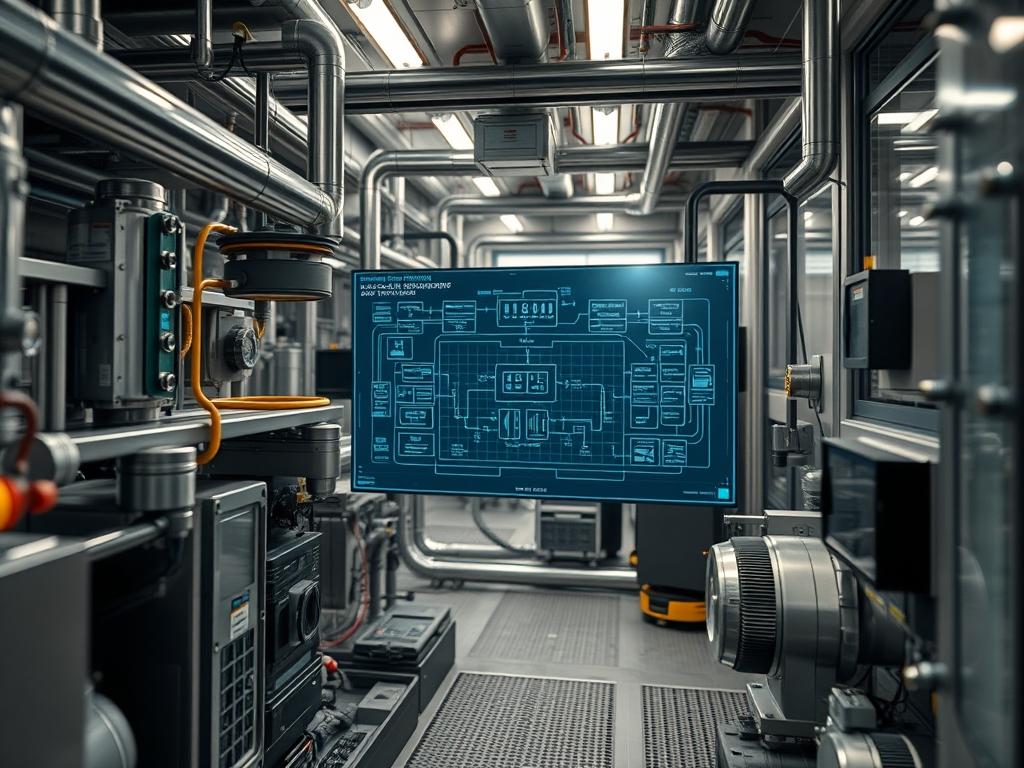
HVAC Airflow Pressure Telemetry serves as the primary diagnostic layer for environmental control systems within mission critical facilities; such as data centers, pharmaceutical labs, and high density manufacturing plants. This telemetry involves the continuous monitoring of static and differential pressure across filtration media to ensure optimal volumetric flow rates and thermal stability. Within the broader technical stack, this system sits at the intersection of Physical Infrastructure and Building Management Systems (BMS). It addresses the critical “Problem-Solution” paradigm where undetected filter saturation leads to increased thermal-inertia, reduced air exchange efficiency, and unnecessary fan motor strain. By integrating high precision pressure sensors with edge gateways, architects can transform raw analog signals into actionable data packets for predictive maintenance. This prevents cascading failures where poor airflow results in equipment overheating or localized “hot spots” that trigger unnecessary emergency cooling cycles. Precise telemetry ensures that energy consumption remains proportional to actual load demands.
Technical Specifications
| Requirement | Default Port / Operating Range | Protocol / Standard | Impact Level (1-10) | Recommended Resources |
| :— | :— | :— | :—: | :— |
| Differential Pressure Sensor | 0 to 5.0 inWC (Inches Water Column) | 4-20mA / 0-10VDC | 9 | High Precision Diaphragm |
| Network Gateway | Port 502 (Modbus TCP) | BACnet/IP or Modbus | 8 | 512MB RAM / 1GHz ARM |
| Field Logic Controller | 24VAC / 24VDC | IEEE 802.3 / ANSI/ASHRAE | 7 | Real Time OS (RTOS) |
| Data Aggregator | Port 47808 (BACnet) | MQTT / JSON Payload | 6 | Multi-core x86 or ARM |
| Wiring Shielding | N/A | STP (Shielded Twisted Pair) | 5 | 18-22 AWG Copper |
The Configuration Protocol
Environment Prerequisites:
Implementation requires adherence to ANSI/ASHRAE Standard 62.1 for ventilation and IEEE 241 for industrial power systems. All logic controllers must run firmware version 4.2 or higher to support encrypted BACnet/SC (Secure Connect) payloads. User accounts must possess Administrative or Root access to the Building Management System (BMS) kernel and have the authority to modify firewall rules on the facility’s VLAN 40 (IoT/Infrastructure Network).
Section A: Implementation Logic:
The engineering design relies on the relationship between resistance and velocity; as a filter captures particulate matter, the effective surface area decreases, which increases the pressure drop ($\Delta P$) across the medium. This setup utilizes an idempotent logic where the sensor consistently reports the delta between the upstream (dirty side) and downstream (clean side) of the filter bank. By calculating the “Brake Horsepower” required to maintain a constant CFM (Cubic Feet per Minute) against rising resistance, the system can predict the exact point of filter failure before thermal-inertia affects the payload environment. This reduces signal-attenuation in the control loop and optimizes fan motor VFD (Variable Frequency Drive) performance.
Step-By-Step Execution
1. Hardware Initialization and Probe Placement
Mount the Differential Pressure Transducer to the external duct housing. Insert the high pressure probe upstream of the filter and the low pressure probe downstream. Ensure the tubing is free of kinks to prevent pneumatic signal-attenuation.
System Note: This action establishes the physical sensing layer for the HVAC Airflow Pressure Telemetry; improper placement leads to erratic readings and jitter in the analog-to-digital converter (ADC).
2. Signal Calibration via Fluke-Multimeter
Connect a Fluke-Multimeter in series with the 4-20mA loop. Verify that the “Zero” state (no airflow) output is exactly 4.00mA. Adjust the sensor potentiometer if the signal shows a baseline offset.
System Note: Proper calibration ensures that the Operating System or RTOS receives a linear voltage/current scale; this prevents false positives in the pressure-drop logic.
3. Controller Port Configuration
Access the Field Logic Controller via SSH or a direct serial connection. Map the analog input channel to a specific network variable. Use the command systemctl restart bms-gateway to refresh the hardware abstraction layer.
System Note: This step binds the physical electrical signal to a logical software object within the kernel or service registry; allowing the data to be polled by the network.
4. Threshold and Alert Logic Setup
Define the “Dirty Filter” setpoint within the controller’s logic engine. A common threshold is 1.5 times the initial “Clean” pressure drop. Configure a high priority interrupt to trigger if the pressure exceeds 2.0 inWC.
System Note: Establishing these limits creates a failsafe physical logic; it ensures that the throughput of the cooling system is maintained by alerting staff before the fan reaches its maximum curve.
5. Modbus/BACnet Object Mapping
Map the pressure variable to Modbus Register 40001 or BACnet Object Analog-Input:1. Ensure the payload is formatted as a 32-bit floating point number to maintain precision.
System Note: This step enables cross-platform communication; ensuring that the telemetry data can be ingested by the Cloud analytics engine or local Energy Management dash.
Section B: Dependency Fault-Lines:
Installation failures often stem from a lack of encapsulation in the cabling; electromagnetic interference (EMI) from high voltage power lines can introduce noise into the 4-20mA loop. Furthermore, library conflicts in the BMS gateway’s Python or C++ stack can lead to delayed polling. If the latency between the sensor and the controller exceeds 500ms, the PID loops managing the fan speed may become unstable, causing mechanical oscillations. Ensure that all secondary sensors share a common ground to prevent ground-loop interference, which often manifests as a fluctuating delta-p reading even when the system is static.
THE TROUBLESHOOTING MATRIX
Section C: Logs & Debugging:
When a sensor fails or a filter clogs significantly, the system will output specific fault codes. Locate logs at /var/log/bms/telemetry.log or examine the controller’s serial output for the following:
- Error: “SIGNAL_OOR” (Out of Range): Check the 24VDC power supply. This usually indicates a broken wire or a total sensor diaphragm failure. Inspect the high pressure tube at the physical asset.
- Error: “STALE_DATA”: The gateway is not receiving updates. Check VLAN routing and verify Port 502 or Port 47808 is not blocked by a local firewall.
- Error: “COMM_TIMEOUT”: High network latency or packet-loss. Investigate the throughput of the local subnet or check for a broadcast storm.
- Visual Cue (Physical): If the pressure reading is “0” while the fan is at 100% speed, a probe tube has likely disconnected from the Differential Pressure Transducer.
OPTIMIZATION & HARDENING
- Performance Tuning: Adjust the concurrency of the data polling service. In high-density environments, a polling interval of 10 seconds is sufficient to capture trends without introducing excessive overhead on the local network. Implement a moving average filter in the software to smooth out air turbulence spikes.
- Security Hardening: Isolate the HVAC Airflow Pressure Telemetry network on its own VLAN. Deny all “Internet-Inbound” traffic at the edge router. Change the default Modbus device IDs and implement MAC address filtering on the switch ports to prevent unauthorized device injection. Use chmod 700 /etc/bms-configs to restrict configuration access to the Root user only.
- Scaling Logic: When expanding to multiple air handling units (AHUs), utilize a “Master-Slave” hierarchy. Aggregate local controller data into a central MQTT broker. This allows the system to scale to thousands of sensor points without increasing the latency of the primary control loops. Use load balancers if the telemetry data is being pushed to a remote Cloud database for long-term trend analysis.
THE ADMIN DESK
Q: Why is my pressure reading fluctuating rapidly?
Rapid fluctuations indicate air turbulence or a “hunting” fan. Increasing the dampening factor on the RTOS input or adding a physical capillary tube to the sensor probe will normalize the signal and resolve the jitter.
Q: How do I verify if the sensor is accurately reporting clogs?
Temporarily block 20% of the filter surface with a non-porous material. The HVAC Airflow Pressure Telemetry should show a proportional increase in inWC. If the reading remains static, check the diaphragm for “stiction.”
Q: Can I run telemetry over a standard Wi-Fi network?
While possible, it is not recommended for mission critical assets. Wireless latency and potential packet-loss interfere with the real-time requirements of airflow management. Use STP Ethernet for maximum reliability and signal integrity.
Q: What is the maximum distance for a 4-20mA sensor loop?
Standard 18 AWG wire can support distances up to 1,000 feet. Beyond this, signal-attenuation and voltage drop become significant; necessitating the use of a digital transceiver or a remote I/O module.
Q: Does temperature affect the pressure telemetry?
Yes; air density changes with temperature. Most industrial sensors include internal thermal compensation. Ensure the sensor body is mounted away from direct heat sources to maintain the material grade integrity of the sensing diaphragm.