
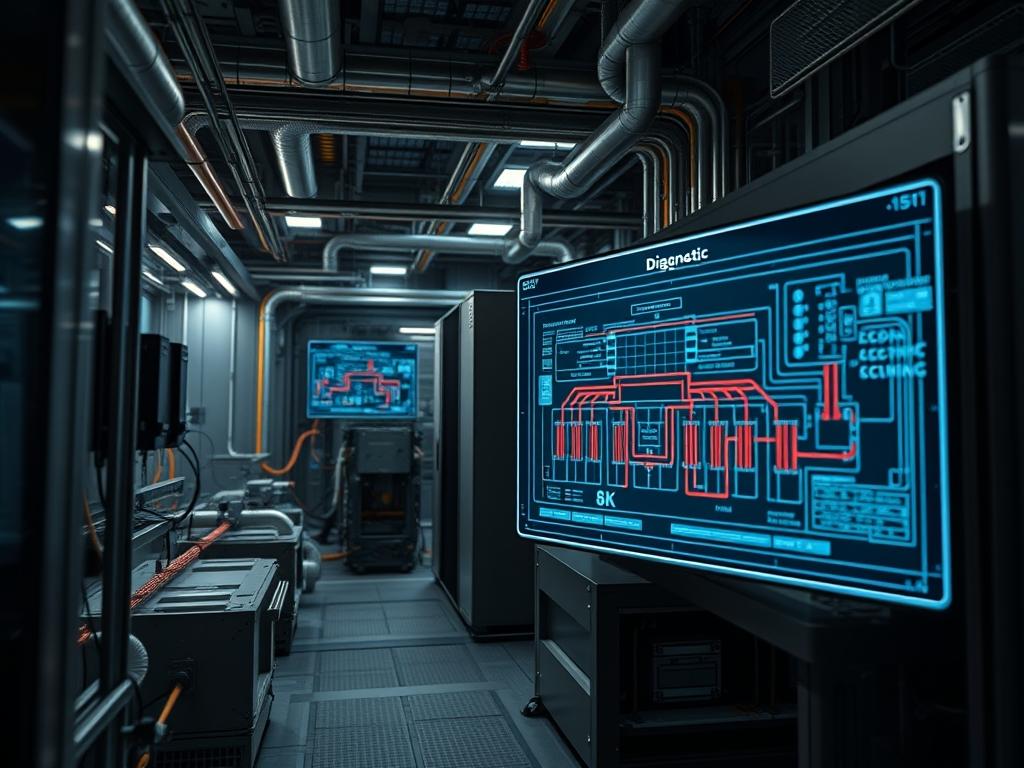
Passive cooling for data centers represents a fundamental shift in infrastructure design; transitioning from energy-intensive mechanical refrigeration to a physics-driven architecture that utilizes natural convection, conduction, and radiative heat transfer. In the modern hyperscale environment, the energy overhead consumed by traditional Computer Room Air Conditioning (CRAC) and Computer Room Air Handler (CRAH) units can account for up to 40 percent of total facility power. This inefficiency directly impacts the Power Usage Effectiveness (PUE) and increases the operational cost of the cloud or network stack. By implementing passive cooling, architects can reduce this parasitic load while maintaining tight thermal envelopes required for high-density compute. This strategy operates at the intersection of mechanical engineering and systems administration; it requires a precise understanding of fluid dynamics to ensure that heat generated by the server payload is effectively expelled without the need for active fan-compression cycles. The following manual details the implementation of these high-efficiency architectures.
TECHNICAL SPECIFICATIONS
| Requirement | Default Port/Operating Range | Protocol/Standard | Impact Level (1-10) | Recommended Resources |
| :— | :— | :— | :— | :— |
| Ambient Intake | 18C to 27C (64.4F to 80.6F) | ASHRAE TC 9.9 | 9 | Grade A Ventilation |
| Pressure Differential | 0.02 to 0.05 Inches of Water | ISO 14644-1 | 7 | Passive Chimney |
| Sensor Monitoring | Port 623 (UDP) | IPMI / SNMP | 8 | Low-Power BMC |
| Network Integrity | -5C to 70C | IEEE 802.3 | 6 | Cat6A / OS2 Fiber |
| Thermal Inertia | 1.01 kJ/kgK (Air) | Thermodynamics | 10 | Concrete/Phase Change |
| Structural Load | 1,200 kg per Rack | IBC 2021 | 5 | Reinforced Plinth |
THE CONFIGURATION PROTOCOL
Environment Prerequisites:
Successful deployment of passive cooling for data centers requires strict adherence to international standards and physical tolerances. Architects must ensure the facility complies with ASHRAE TC 9.9 Class A1 thermal guidelines to allow for wider temperature fluctuations. Building codes must meet NEC Article 645 for Information Technology Equipment (ITE) zones. From a software perspective, the infrastructure auditor must have root or Administrator level access to the Baseboard Management Controller (BMC) via ipmitool or a similar centralized management interface. Hardware dependencies include the installation of Blanking Panels in all unused rack U-spaces and the deployment of Cold Aisle Containment (CAC) or Hot Aisle Containment (HAC) structures to prevent the bypass of airflow.
Section A: Implementation Logic:
The engineering logic behind passive cooling centers on the principle of the “Stack Effect.” In a traditional environment, active fans force cold air into the chassis; however, in a passive or hybrid-passive setup, we utilize the natural buoyancy of heated air. As the server payload generates heat, the air density decreases, causing it to rise naturally. By creating a dedicated vertical path, or chimney, we utilize the pressure differential to draw cooler air from the plenary or raised floor. This process is inherently idempotent in a physical sense; given a specific thermal load, the rate of dissipation remains constant relative to the ambient gradient. This reduces mechanical overhead and minimizes signal-attenuation risks associated with the high-frequency vibrations found in large-scale mechanical compressors.
Step-By-Step Execution
1. Physical Isolation and Containment
The first step in passive cooling for data centers is the strict encapsulation of the thermal environment. Use Vinyl Strip Curtains or Transparent Polycarbonate Barriers to seal the Hot Aisle. Use systemctl stop fan-logic equivalents on the rack-level manifolds if moving from a hybrid to a purely passive state. Ensure every gap in the rack is filled with Standard 19-inch Blanking Panels.
System Note: This action prevents the mixing of cold and hot air streams; it maximizes the “Delta T” (temperature difference), which is the primary driver of passive convection. Failure to encapsulate results in “Bypass Air” where cooling bypasses the hardware altogether.
2. Deployment of Passive Rear Door Heat Exchangers (RDHx)
Install Passive RDHx Units on the rear of high-density racks. Connect these units to the Facility Chilled Water (FCW) loop. Unlike active units, these do not contain fans; they rely on the server’s internal fans to push heat through a radiator coil.
System Note: The RDHx acts as a thermal sink. By capturing heat at the source, it reduces the load on the room-level air distribution system. This improves the thermal-inertia of the facility; allowing for longer “ride-through” times during power interruptions.
3. Thermal Sensor Calibration via IPMI
Access the server hardware layer using the command ipmitool -H
System Note: In a passive-focused facility, the server fans are the only moving parts. Calibrating their concurrency ensures they do not overwork against a high-pressure differential in a chimney-style rack.
4. Chimney Manifold Alignment
Align the Vertical Exhaust Duct (VED) from the top of the server rack to the ceiling plenum. Ensure the seal is airtight using Industrial Grade Gaskets. Verify the flow using a fluke-922 airflow meter or a smoke-generator to visualize the path.
System Note: The VED uses the chimney effect to pull heat out of the rack. This reduces the throughput requirements of the central HVAC system; the server itself provides the motive force for heat expulsion.
5. Liquid-to-Liquid Heat Transfer Setup
If the facility utilizes Passive Immersion Cooling or Cold Plates, connect the secondary loop to the primary heat exchanger. Monitor the Differential Pressure (dP) across the manifold. Use chmod +x /usr/local/bin/thermal_monitor.sh to deploy a script that alerts on pressure drops.
System Note: Liquid has a much higher heat capacity than air. Moving to liquid-based passive cooling reduces the air-to-power overhead significantly. It minimizes the risk of packet-loss or CPU throttling caused by localized hotspots.
6. Logic Controller Integration
Configure the Building Management System (BMS) to modulate the outside air dampers based on the Enthalpy of the external environment. Use a PID (Proportional-Integral-Derivative) loop to maintain the set point.
System Note: This allows the facility to enter “Free Cooling” mode. When external conditions are favorable, the mechanical chillers are bypassed entirely; the facility uses pure atmospheric heat exchange to maintain the thermal envelope.
Section B: Dependency Fault-Lines:
Passive cooling systems are highly sensitive to physical obstructions. A common bottleneck is “Airflow Stagnation,” which occurs when the server density does not generate enough heat to overcome the initial pressure threshold of a chimney. This leads to heat re-circulation within the rack. Another failure point is the “Condensation Gradient.” If the temperature of the water in a passive RDHx falls below the dew point of the room, liquid will form on the coils, causing potential short circuits. Library conflicts in the software stack, such as incompatible SNMP MIBs from different sensor vendors, can lead to inaccurate thermal reporting; resulting in “false positives” for thermal runaway.
THE TROUBLESHOOTING MATRIX
Section C: Logs & Debugging:
When a thermal threshold is exceeded, the first point of analysis is the System Event Log (SEL). Use ipmitool sel elist to view historical temperature spikes. If the log shows “Upper Critical Non-Recoverable” for multiple nodes in a single rack, the fault is likely physical rather than logical.
- Error Code: THERM_STRANGULATION_01: This indicates a lack of intake air. Check the floor tiles. Ensure at least 25 percent of the floor in front of the rack consists of high-flow perforated tiles.
- Log Entry: “Critical Temperature – Sensor 12 (Exhaust)”: This often points to a failed blanking panel or a server that has been installed backwards. Verify the “Front-to-Back” airflow orientation of all components.
- Observation: High Latency/Throughput Drop: Check the CPU clock speed using lscpu. High heat triggers the “Thermal Throttling” mechanism of the kernel, which reduces the clock frequency to protect the silicon. This is a clear indicator that the passive cooling capacity has been exceeded by the compute payload.
- Physical Fault: Moisture on RDHx Manifold: Check the supply water temperature. If the supply is 12C and the room dew point is 14C, condensation is inevitable. Increase the supply water temperature to 16C; passive systems do not require extremely cold water to be effective.
OPTIMIZATION & HARDENING
To achieve maximum thermal-efficiency, architects should implement a “Dynamic Set Point” strategy. Instead of a static cold aisle temperature of 22C, allow the temperature to float between 20C and 27C based on the server load and external weather. This reduces the work the facility must perform.
Security Hardening of the cooling logic is equally critical. Ensure that the BMS and all thermal sensors are on a separate, air-gapped VLAN. Implement Firewall rules that restrict access to the BMC IPs to only the management subnet. A “Denial of Service” attack on the cooling controllers (e.g., closing all dampers) can result in physical hardware destruction within minutes.
Scaling Logic suggests that as the data center grows, the chimney heights or plenary depths must be recalculated. Passive cooling scales linearly with the “Delta T”; doubling the rack density requires a corresponding increase in the vertical height of the exhaust path to maintain the same throughput of air.
THE ADMIN DESK
Q: Can I use passive cooling for a 30kW rack?
A: Yes; but it requires high-density containment and likely a Passive RDHx. Standard air-based passive cooling usually tops out at 10-15kW per rack before requiring liquid-assisted heat transfer to manage the thermal density effectively.
Q: Does passive cooling increase server fan power?
A: Potentially. If the chimney or ducting has high resistance, server fans may spin faster to compensate. The goal is to minimize resistance so that the overhead of server fans is not merely transferred from the CRAC unit.
Q: How do I measure the success of my passive setup?
A: Track the PUE (Power Usage Effectiveness) and the pPUE (partial PUE). A successful passive implementation should bring the cooling component of the PUE down from 1.5-1.7 to nearly 1.05 or lower.
Q: Is “Free Cooling” the same as “Passive Cooling”?
A: They are related but distinct. Free cooling refers to using outside air for temperature regulation; passive cooling refers to the method of moving that air (natural convection) without using active, power-consuming mechanical fans or chillers.
Q: What is the biggest risk of passive systems?
A: Lowered thermal-inertia. Without active chillers and massive water loops, the room may heat up faster during a total power failure of the auxiliary systems. This requires robust fail-safe logic in the containment dampers.