
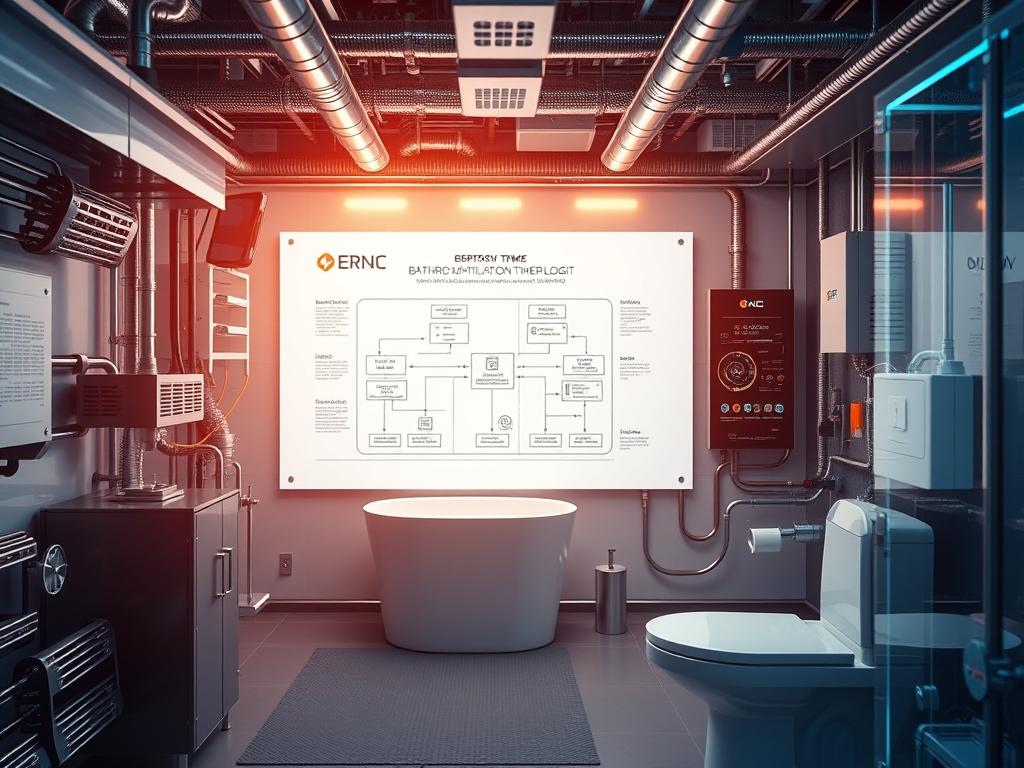
Bathroom Ventilation Timer Logic constitutes the primary operational layer for environmental moisture mitigation within high-density residential and commercial infrastructure. In the broader technical stack, this logic resides at the intersection of Facility Asset Management and Building Automation Systems (BAS). It serves as a localized control loop designed to manage the atmospheric humidity levels that, if left unregulated, result in structural degradation and microbial proliferation. The “Problem-Solution” context is centered on the inefficiency of manual venting. Human operators frequently deactivate exhaust systems before the localized environment reaches a baseline equilibrium. This premature termination fails to account for the thermal-inertia of damp surfaces. By implementing an automated, sensor-driven timing protocol, architects can ensure that the throughput of the exhaust system remains active for the precise duration required to evacuate moisture-laden payloads. This technical manual provides the framework for deploying an idempotent control system that minimizes energy overhead while maximizing moisture removal efficiency across diverse architectural envelopes.
Technical Specifications
| Requirement | Default Port/Operating Range | Protocol/Standard | Impact Level (1-10) | Recommended Resources |
| :— | :— | :— | :— | :— |
| Humidity Sensor | I2C (0x3C / 0x76) | IEEE 802.11 / MQTT | 8 | BME280 or SHT31-D |
| Logic Controller | 3.3V / 5V DC | ESP-NOW / HTTP | 7 | ESP32 or ARM Cortex-M |
| Switching Actuator | 120V/240V AC | NEC / UL 60730 | 9 | Opto-isolated Relay |
| Wiring Infrastructure | 14/2 AWG | NFPA 70 (NEC) | 10 | THHN Copper Stranded |
| Network Gateway | Port 1883 | TCP/IP / MQTT | 5 | Raspberry Pi 4 (Mosquitto) |
The Configuration Protocol
Environment Prerequisites:
Successful implementation of Bathroom Ventilation Timer Logic requires a pre-configured MQTT Broker serving as the central messaging bus. Hardcoded dependencies include the Arduino IDE or VS Code with PlatformIO for firmware flashing. All hardware must comply with NEC Article 404 for switching and Article 410 for luminaires and ventilation hardware. The user must possess administrative privileges (sudo access) on the gateway device and terminal access to the GPIO pins of the controller.
Section A: Implementation Logic:
The engineering design of this system relies on a “Hysteresis-Based Delayed-Off” logic. Standard timers act as a blind count-down; however, effective moisture removal requires sensing the delta between ambient and peak humidity. The theoretical “Why” focuses on the saturation deficit. As warm air holds more water vapor, the cooling of the room post-shower increases relative humidity even if the absolute moisture remains constant. The controller must calculate the moving average of humidity to identify when the Exhaust Fan has successfully reached the room’s baseline. We use an idempotent command structure to ensure that redundant “ON” signals do not interfere with the active duty cycle or cause relay chatter, which reduces the mechanical lifespan of the hardware.
Step-By-Step Execution
1. Initialize the I2C Communication Bus
Connect the SDA and SCL pins of the BME280 Sensor to the corresponding pins on the Microcontroller.
System Note: This action establishes the hardware-level data pipeline, defining the latency of the initial sensing cycle. The kernel (or firmware loop) polls the sensor register to map the relative humidity to a local variable.
2. Define the Humidity Threshold and Overrun Timer
Edit the config.h file to set the MAX_HUMIDITY to 65% and the POST_VENTILATION_TIMER to 900 seconds.
System Note: These variables reside in the NVRAM or EEPROM of the controller. Storing them here ensures that the logic remains idempotent across power cycles, preventing a reset from dumping the current state of the fan.
3. Implement the Relay Control Logic via GPIO
Execute the command to set GPIO_18 to OUTPUT mode to drive the Solid State Relay.
System Note: In a Linux-based controller, this involves interacting with the sysfs interface or gpiod. This step converts low-voltage logic signals into high-voltage mechanical or solid-state work, directly impacting the throughput of the ventilation ducting.
4. Configure the MQTT Payload Structure
Format the outgoing message as a JSON object: {“status”: “active”, “humidity”: 72.5, “timer_rem”: 600}.
System Note: The encapsulation of this data into a structured payload allows the broader network to monitor the unit. This reduces the overhead on the local processor by offloading persistent logging to the remote broker.
5. Establish the Fail-Safe Watchdog Timer
Program a hardware Watchdog Timer (WDT) to trigger a system reset if the main loop hangs for more than 10 seconds.
System Note: This prevents the fan from getting stuck in an “ON” state due to a software crash, which could lead to excessive energy consumption and motor wear.
6. Calibrate the Sensor for Signal-Attenuation
Use a fluke-multimeter to verify the voltage drop across the sensor leads if the cable length exceeds 2 meters.
System Note: Long cable runs introduce electrical resistance that can cause signal-attenuation, leading to false humidity spikes and erratic Bathroom Ventilation Timer Logic behavior.
Section B: Dependency Fault-Lines:
The most frequent bottleneck in this architecture is the condensation-induced failure of the Sensing Element. When steam turns to liquid water on the sensor surface, it creates a “100% Humidity” latch that the logic cannot resolve. Furthermore, library conflicts between the WiFi stack and the DHT libraries can cause significant latency in the main execution loop. Mechanical bottlenecks include undersized ductwork that increases static pressure, effectively reducing the throughput of the fan regardless of the logic’s efficiency.
THE TROUBLESHOOTING MATRIX
Section C: Logs & Debugging:
When the Bathroom Ventilation Timer Logic fails to trigger, the first point of audit is the /var/log/syslog or the Serial Monitor at 115200 baud. Look for the error string “Sensor Not Found on I2C Bus”. This usually points to a physical disconnection or a conflict in the 0x76 address. If the fan toggles rapidly, inspect the log for “Hysteresis Boundary Breach”. This indicates that the threshold is set too close to the ambient noise floor.
Visual cues are equally vital. A blinking green LED on the Microcontroller typically signifies an active MQTT connection, while a solid red LED indicates a packet-loss state where the controller has lost its gateway. For physical verification, use the sensor-readout command to pull raw data. If the value is “NaN”, the Sensing Element is likely saturated or chemically contaminated.
OPTIMIZATION & HARDENING
– Performance Tuning: To minimize latency, implement a tiered polling frequency. Increase the sensor sampling rate when the bathroom light switch—detected via an Optocoupler—is active. This ensures the fan reacts immediately to the start of a moisture-generating event. Reduce the sample rate during idle hours to conserve energy and reduce network payload frequency.
– Security Hardening: Ensure all MQTT traffic is encrypted via TLS/SSL over port 8883. Disable all unused GPIO pins to prevent unauthorized hardware interrupts. Implement a physical fail-safe override switch that bypasses the logic, ensuring the exhaust fan can be manually operated in the event of a total network or controller failure.
– Scaling Logic: When expanding this setup to multi-family units, use a localized Mesh Network (e.g., ESP-NOW). This avoids the packet-loss associated with overcrowded 2.4GHz WiFi bands in dense environments. Grouping the fans into zones allows for concurrency management, where the total throughput of the building’s central exhaust riser is balanced to prevent back-pressure in the plenum.
THE ADMIN DESK
Why is the fan running after the room is dry?
The Bathroom Ventilation Timer Logic accounts for the thermal-inertia of wet surfaces. Even if the air feels dry, objects like towels or tiles continue to evaporate moisture. The timer remains active to prevent latent humidity from spiking later.
How do I stop the “Relay Click” sound?
Replace the mechanical Relay with a Solid State Relay (SSR). Since SSRs have no moving parts, they eliminate acoustic noise and offer faster switching, though they require adequate heat-sinking to manage their own thermal-inertia.
The sensor readings are inconsistent.
Check for signal-attenuation caused by proximity to high-voltage lines. Ensure the Sensor wires are shielded and separated from the 120V fan power lines. Condensation on the Sensing Element can also cause temporary “100%” readings.
Can I monitor this remotely?
Yes. By subscribing to the MQTT payload via a dashboard like Home Assistant or Node-RED, you can view real-time humidity, fan status, and timer countdowns. This allows for centralized oversight of the entire facility’s moisture management.
What is the ideal timer duration?
For a standard bathroom, a 15-minute to 20-minute overrun is recommended. This ensures complete air exchange and addresses the moisture lingering on surfaces. The logic should dynamically adjust this based on the peak humidity recorded during the “ON” cycle.