
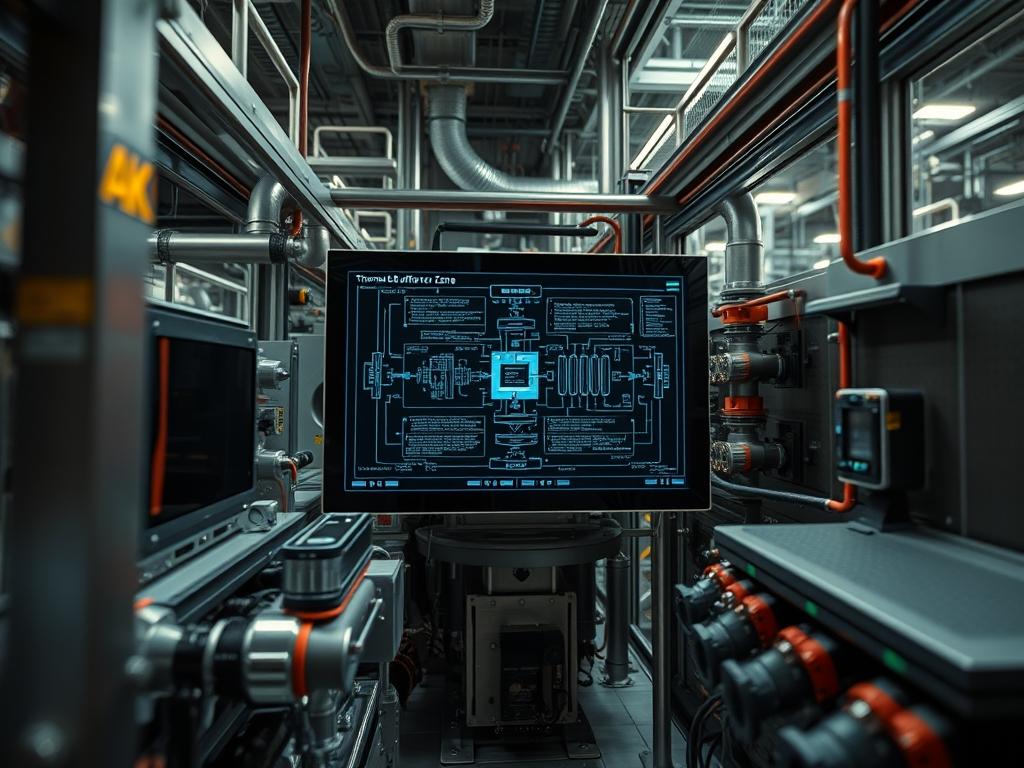
Thermal Buffer Zone Engineering serves as the foundational architectural layer for managing the thermal-inertia of high-density infrastructure; it acts as a controlled gradient between high-compute environments and external ambient systems. In modern data center architecture and industrial processing plants, the transition space is not merely a physical corridor but a dynamic pressure-controlled environment. Its primary role is to prevent the rapid expansion and contraction of delicate hardware components while optimizing the total enthalpy of the cooling cycle. Without a properly engineered buffer zone, infrastructure faces the risk of dew point condensation, which leads to catastrophic short-circuits or prolonged signal-attenuation in high-speed copper interconnects. This manual treats the buffer zone as an idempotent system where the environmental state remains consistent regardless of external fluctuations or internal payload spikes. By isolating thermal zones, we reduce the cooling overhead and ensure that the payload delivery of the cooling medium is targeted, efficient, and resilient against the entropy of the surrounding atmosphere.
TECHNICAL SPECIFICATIONS
| Requirement | Default Operating Range | Protocol/Standard | Impact Level (1-10) | Recommended Resources |
| :— | :— | :— | :— | :— |
| Pressure Differential | 0.02″ to 0.05″ w.c. | ASHRAE 90.4 | 9 | VFD Logic Controllers |
| Temperature Gradient | 5C to 8C Delta | IEEE 1633 | 8 | Aluminum-Grade Fins |
| Sensor Latency | < 500ms | Modbus TCP/IP | 7 | 4GB RAM / Quad-Core ARM |
| Air Exchange Rate | 15 to 25 ACH | ISO 14644-3 | 6 | HEPA/MERV Filtration |
| Logical Isolation | VLAN 40-50 | SNMP v3 / BACnet | 10 | Layer 3 Switch / Firewall |
Environment Prerequisites:
1. Physical Redundancy: Minimum N+1 redundancy on all air-handling units and variable frequency drives (VFD).
2. Standard Compliance: All hardware must adhere to NEC Article 645 for Information Technology Equipment or local equivalents.
3. Control Software: Python 3.10+ installed on a hardened Linux distribution (RHEL or Ubuntu LTS) for the environmental controller logic.
4. Permissions: Root-level access for systemd service management and hardware-level access for the Modbus gateway.
5. Hardware: High-accuracy thermistors with a +/- 0.1C tolerance and differential pressure sensors with analog output (4-20mA).
Section A: Implementation Logic:
The logic of Thermal Buffer Zone Engineering relies on the encapsulation of specific air volumes to manage the rate of heat exchange. By creating a transition space, we introduce a controlled “lag” in the thermal response of the facility. This lag ensures that the mechanical cooling system does not over-oscillate; a phenomenon known as “short-cycling” that exponentially increases power overhead and reduces the lifespan of the compressor units. The engineering design must ensure that the transition space is “fail-open” for airflow but “fail-closed” for security and humidity control. This requires a sophisticated PID (Proportional-Integral-Derivative) control loop that reconciles real-time sensor data with the predictive load patterns of the Technical Stack.
Step 1: Defining the Physical Perimeter and Isolation:
The first step involves the installation of physical thermal curtains or solid polycarbonate dividers to define the buffer boundary. Every seam must be sealed with industrial-grade gaskets to prevent uncontrolled air leakage.
System Note: This action establishes the physical encapsulation boundaries. This reduces the volumetric throughput required from the primary cooling system. Use a fluke-multimeter to verify that the actuator motors on the automated doors or louvers are receiving stable voltage for consistent operation.
Step 2: Deploying the Sensor Array and Bus Integration:
Install the primary thermistors at three heights: rack-bottom, rack-mid, and rack-top. Connect these sensors to the Modbus bus using shielded twisted-pair cables to prevent signal-attenuation caused by electromagnetic interference from high-voltage power lines.
System Note: This step initializes the data ingestion layer. By grounding the shielding of the cables, you reduce noise in the analog signal, which prevents the controller from making erroneous adjustments to the fan speeds based on “ghost” temperature spikes.
Step 3: Configuring the Logic Controller and Thresholds:
Access the controller via SSH and navigate to the configuration directory at /etc/thermal-daemon/config.yaml. Define the setpoints for the fan triggers and the cooling valve opening percentages. Use the systemctl enable thermal-daemon command to ensure the service persists after a reboot.
System Note: This action moves the system from a manual state to an automated state. The kernel now monitors the /dev/ttyUSB0 or appropriate serial port for sensor input and executes Python-based logic to maintain the buffer state.
Step 4: Calibrating the Pressure Differential and Airflow:
Adjust the VFD parameters to maintain a positive pressure within the hot aisle and a neutral pressure in the buffer zone. Use the sensors command in the Linux shell to verify the RPM of the exhaust fans relative to the supply air speed.
System Note: Proper pressure balancing prevents “wrap-around” heating where hot exhaust air is sucked back into the cold intake. This ensures that the thermal-inertia of the room remains within manageable bounds even during a total cooling plant failure.
Section B: Dependency Fault-Lines:
Software conflicts frequently arise when the Modbus polling rate is set too high, causing a buffer overflow in the serial-to-ethernet gateway. This leads to packet-loss and a subsequent failure of the cooling logic to respond to a real heat event. Mechanically, the primary bottleneck is often the “stiction” of dampers or louvers that have not been cycled regularly. If the logic controller issues a command to open a damper but the physical hardware fails to move, the thermal-inertia will cause a rapid temperature spike that the system might not recover from without a manual override.
Section C: Logs & Debugging:
To diagnose failures in the buffer zone, examine the log files located at /var/log/thermal/controller.log. Look for error strings such as “SENSOR_READ_ERROR” or “COMM_TIMEOUT”. If the pressure reading is static despite fan speed increases, verify the physical orientation of the pitot tubes.
1. Verify Connectivity: Use ping or traceroute to check the latency between the BMS and the local controller. High latency (>100ms) will desynchronize the PID loop.
2. Check Port Status: Use netstat -tulpn to ensure that the SNMP port (161) and BACnet port (47808) are listening for incoming polling requests.
3. Sensor Calibration: If the logs show erratic readings, use a fluke-multimeter to measure the resistance of the thermistors and compare it to the manufacturer data sheet at 25C.
Performance Tuning:
Optimizing the buffer zone requires a focus on concurrency and response time. The PID logic should be tuned to favor gradual adjustments over aggressive corrections. Increasing the “D” (derivative) component of the loop helps the system predict thermal trends rather than just reacting to them. For throughput efficiency, ensure that the air filters are replaced when the pressure drop across the filter bank exceeds 0.5″ w.c. as measured by a differential manometer.
Security Hardening:
The environmental control network (ECN) must be isolated on its own VLAN (Virtual Local Area Network). Use iptables or firewalld to restrict access to the controller. Only administrative IPs should be able to reach the SSH (port 22) or web-ui (port 443). Furthermore, physical access to the transition space should be logged via an integrated access control system using the LDAP or Active Directory protocol to ensure all entries are authorized.
Scaling Logic:
As infrastructure demand grows, the buffer zone can be scaled horizontally by adding more “transition pockets” or vertically by increasing the height of the hot-aisle containment. The control logic is idempotent; adding more sensors to the bus will not change the behavior of the existing logic as long as the addressing remains unique. To maintain performance under high load, ensure the central controller has sufficient CPU concurrency to handle the increased polling frequency as more nodes are added to the thermal-mesh.
The Admin Desk:
How do I fix a “Comm Timeout” error on the sensor bus?
Check the physical wiring for signal-attenuation. Ensure the baud-rate in /etc/thermal-daemon/config.yaml matches your hardware settings. Restart the service using systemctl restart thermal-daemon to clear the serial buffer and re-initialize the bus connection.
What is the ideal pressure for a transition space?
Maintain a slight positive pressure of 0.02 to 0.03 ” w.c. relative to the exterior corridor. This prevents dust ingress and ensures that any air leaks move inward towards the high-density cooling zone rather than exhausting heat into the office environment.
How often should PID loops be retuned?
Retuning is necessary whenever the physical hardware payload changes by more than 20%. Changing server density or replacing a CRAC unit alters the thermal-inertia of the room, requiring new coefficients for the Proportional and Integral logic gates.
What causes condensation in a thermal buffer zone?
Condensation occurs if the dew point of the incoming air is higher than the temperature of the cold surfaces in the zone. Keep the buffer temperature at least 3C above the calculated dew point to prevent moisture accumulation.
Can I run the controller on a virtual machine?
While possible, it is not recommended due to the latency introduced by hypervisor scheduling. A dedicated physical controller or a container with high-priority CPU pinning is preferred to ensure real-time response to critical thermal events and sensor pulses.