
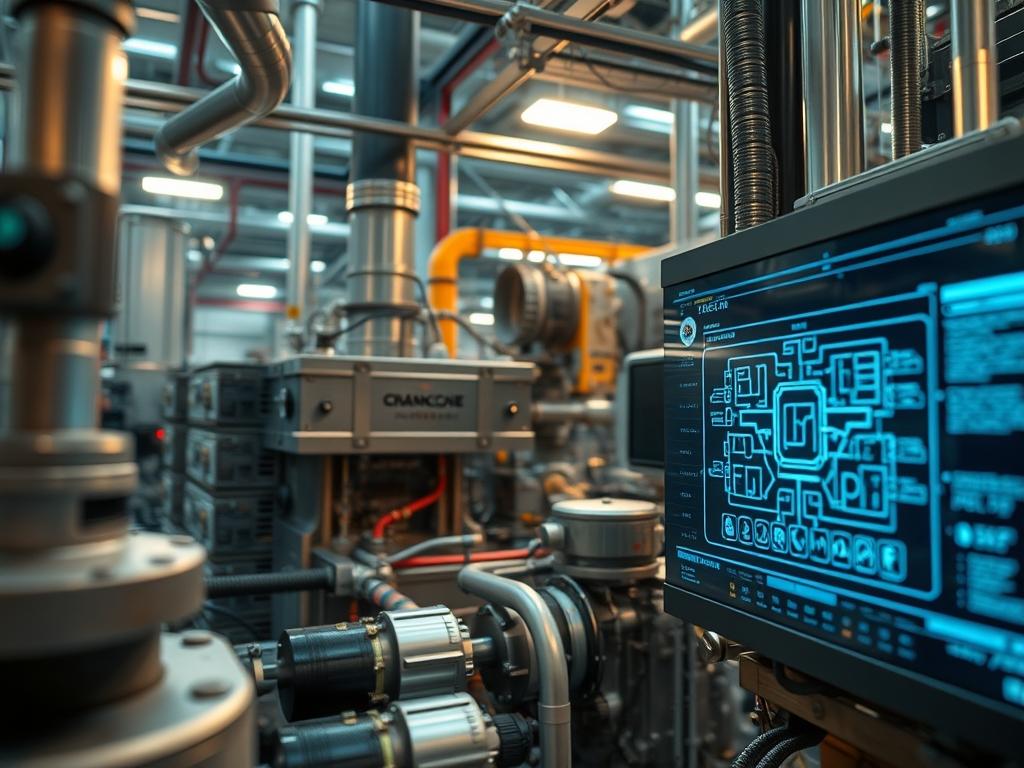
Crankcase Heater Automation serves as the primary defense against liquid slugging in high-capacity vapor-compression cycles. In industrial HVAC and mission-critical data center cooling, compressor longevity depends on maintaining a strictly gaseous intake state. When a system enters an off-cycle; refrigerant vapor migrates to the coldest point in the circuit; which is frequently the compressor oil sump. Upon a cold start; this diluted oil-refrigerant mixture flashes into foam; causing massive pressure spikes and catastrophic mechanical failure known as slugging. Traditional heaters operate on a continuous; non-intelligent basis; wasting significant kilowatt-hours and risking oil carbonization through overexposure to heat. Smart Crankcase Heater Automation integrates real-time thermal sensors and logic controllers to modulate heating elements based on the precise delta between ambient saturation temperature and oil temperature. This engineering approach ensures optimal viscosity and refrigerant separation while reducing local energy overhead by up to sixty percent. Within the broader infrastructure stack; this automation provides a telemetry layer that monitors compressor health and prevents thermal-inertia issues during rapid load swings.
Technical Specifications
| Requirement | Default Port/Operating Range | Protocol/Standard | Impact Level (1-10) | Recommended Resources |
| :— | :— | :— | :— | :— |
| Thermistor Accuracy | +/- 0.1 degree C | IEC 60515 | 8 | Platinum RTD Class A |
| Communication Bus | RS-485 / Port 485 | Modbus RTU/TCP | 7 | Shielded Twisted Pair |
| Logic Controller | 24V DC / 100MHz | IEEE 802.3 / BACnet | 9 | ARM Cortex-M4 / 512KB RAM |
| Switching Relay | 20A – 50A | NEMA ICS 2 | 10 | Solid State Relay (SSR) |
| Thermal Insulation | -40C to 200C | UL 94-V0 | 6 | Closed-cell Elastomeric |
The Configuration Protocol
Environment Prerequisites:
To implement a high-availability automation system; the infrastructure must adhere to NEC Article 440 for air-conditioning and refrigerating equipment. All control logic should be hosted on a PLC or Edge Gateway running a hardened Linux distribution such as Alpine Linux or a proprietary real-time operating system (RTOS). Required tools include a Fluke-179 True-RMS Multimeter for electrical verification and a Linux-based laptop with Minicom or PuTTY for serial interface debugging. User permissions must allow for root level access to modify systemd service files or Crontab schedules if using a microcontroller-based gateway.
Section A: Implementation Logic:
The core engineering goal is the maintenance of oil temperature at approximately 10 to 15 degrees Kelvin above the suction-side saturation temperature. This creates a thermal barrier that prevents refrigerant condensation. The automation logic utilizes a PID (Proportional-Integral-Derivative) loop rather than a simple on-off thermostat. This approach minimizes thermal-inertia overshoot; where the heater stays active longer than necessary. By calculating the mass-flow and ambient conditions; the controller determines the exact payload of heat required to keep the compressor sump in a superheated state relative to the refrigerant. This state is idempotent; meaning the controller constantly enforces the target temperature regardless of external weather fluctuations or internal cycle demands.
Step-By-Step Execution
1. Identify and Mount Thermal Sensor Arrays
Securely mount two K-Type Thermocouples or PT100 Sensors. Place the first sensor on the bottom of the compressor crankcase to measure oil temperature; place the second sensor on the suction line to measure refrigerant saturation pressure through proxy.
System Note: Using thermal-paste with high conductivity is critical here. The controller reads these inputs as raw voltage or resistance; translating them into floating-point variables. Faulty contact leads to signal-attenuation and inaccurate logic triggers.
2. Wire the Solid State Relay (SSR) Control Circuit
Intercept the power lead for the crankcase heater and route it through the high-voltage side of a Solid State Relay. Connect the low-voltage control terminals (3-32V DC) to the GPIO or Digital Output pins of the logic controller.
System Note: Physical isolation between the 120V/240V AC heater circuit and the 5V/24V DC control circuit is mandatory to prevent electromagnetic interference (EMI) from corrupting the Modbus data packets on the communication bus.
3. Configure the Modbus Control Registers
Access the controller configuration via terminal. Define the Modbus register mapping for the heater state. If using a Gateway; ensure the baud-rate is set to 9600 or 115200 to match the sensor nodes.
System Note: Ensure the register-holding logic is set to fail-safe. If the communication link is lost; the system must default the heater to “ON” to prevent slugging during a network outage.
4. Initialize the Automation Service
On the control gateway; create a service to handle the thermal logic. Use systemctl enable hvac-auto.service to ensure the script starts on boot.
System Note: This script acts as the kernel-level manager for the hardware. It polls the sensors; calculates the Delta-T; and sends a HIGH or LOW signal to the SSR. High concurrency is not required; but low latency in sensor polling is vital for accurate thermal tracking.
5. Validate Thermal Thresholds and Hysteresis
Run the system through a full cooling cycle. Monitor the heating cycles using a logic-analyzer or the controller logs. Adjust the hysteresis (the gap between turning on and off) to 2 degrees Kelvin.
System Note: Tight hysteresis prevents “short-cycling” the heater; which can lead to premature failure of the heating element or the SSR.
Section B: Dependency Fault-Lines:
Software-level failures often stem from library conflicts in the Python or C++ environment used for the control script. If the Modbus library version is mismatched with the gateway firmware; you will see packet-loss or CRC errors. Mechanically; the most common bottleneck is the degradation of the heater element itself. A heater with high internal resistance will not produce enough BTUs to overcome ambient cold; even if the automation logic is functioning perfectly. Furthermore; signal-attenuation in unshielded sensor wires can cause “ghost” temperature spikes; triggering the heater erroneously and wasting energy.
THE TROUBLESHOOTING MATRIX
Section C: Logs & Debugging:
When a fault occurs; inspect the system log located at /var/log/hvac/heater_daemon.log. Common error strings include “Sensor Read Timeout” or “Modbus Exception 0x02” (Illegal Data Address).
- Error: Relay Not Triggering: Check the output voltage at the GPIO pin with a multimeter. If voltage is present but the heater is cold; the SSR or the heating element has an open circuit.
- Error: Fluctuating Temperature Data: This indicates a grounding loop or poor shielding on the sensor wires. Ensure the sensor cable shield is grounded at the controller end only to avoid circular currents.
- Error: High Load/CPU Usage: If the hvac-auto service is consuming excessive CPU; check the polling frequency. Reduce the polling rate to once every 10 seconds; as thermal changes in a compressor sump are slow and do not require millisecond-level updates.
OPTIMIZATION & HARDENING
To enhance Performance Tuning; implement a variable-voltage control using Pulse Width Modulation (PWM) rather than binary on-off switching. This allows for precise thermal maintenance and reduces the stress on the electrical grid during peak demand. Regarding Security Hardening; if the controller is connected to a network; isolate it within a VLAN and apply strict firewall rules using iptables. Disable all unnecessary services like SSH (once configured) or Telnet to prevent unauthorized access to the cooling infrastructure.
For Scaling Logic; utilize a master-worker architecture where a central server aggregates data from multiple compressor units via MQTT. This allows for site-wide thermal efficiency analysis and predictive maintenance scheduling. By analyzing the time it takes for a sump to reach target temperature; the system can flag heaters that are nearing the end of their service life before they fail in a freeze-up event.
THE ADMIN DESK
How do I verify if the heater logic is active?
Check the status of the control service using systemctl status hvac-auto. Additionally; use a thermal-imaging camera or an ammeter to confirm current flow through the heater leads when the logic controller enters a “Heating” state.
What is the minimum safe Delta-T for refrigeration?
A minimum Delta-T of 10 degrees Kelvin above saturation is standard. This margin accounts for sensor inaccuracies and ensures that no liquid refrigerant remains trapped in the oil; drastically reducing the risk of bearing washout and compressor seizing.
Can I run this on a standard 802.11 Wi-Fi network?
While possible; it is not recommended for industrial environments. Signal-attenuation and high latency in congested RF spaces can lead to missed control packets. Use hardwired RS-485 or Ethernet for all mission-critical compressor protection loops.
What happens if the oil sensor fails?
Configure a watchdog-timer in your logic. If the sensor returns a NaN (Not a Number) or out-of-range value; the system must default to a 100 percent duty cycle (Always On) to protect the hardware until a technician arrives.