
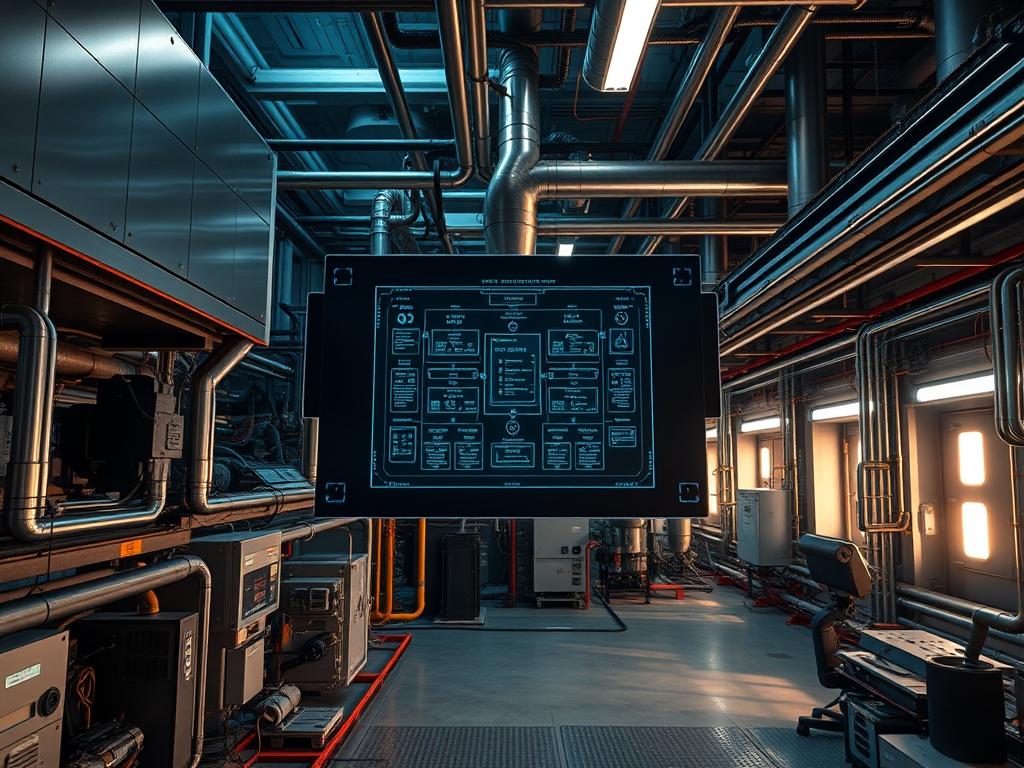
HVAC Relay Sequencing Protocols serve as the critical logic layer between environmental control units and the high-density hardware they protect. In modern infrastructure stacks, specifically within Tier III and Tier IV data centers, these protocols manage the staggered engagement of cooling components to prevent electrical inrush surges and mechanical failure. Without formalized sequencing, a simultaneous startup of multiple Compressors, Evaporator Fans, and Condenser Units creates massive peak demand on the power grid. This can trigger circuit breakers or induce voltage sags that compromise the operational stability of server clusters. The “Problem-Solution” context revolves around mitigating thermal-inertia while maintaining high throughput for cooling delivery. By implementing strict staging delays and interleaved activation cycles, the system ensures idempotent state management across all Relay Modules. This manual outlines the architecture required to integrate these protocols into a robust infrastructure monitoring and control framework.
Technical Specifications
| Requirement | Default Port/Operating Range | Protocol/Standard | Impact Level (1-10) | Recommended Resources |
| :— | :— | :— | :— | :— |
| Logic Controller | 24V AC/DC | Modbus/TCP | 10 | 256MB RAM / ARM Cortex-M4 |
| Communication Bridge | Port 502 (Modbus) | IEEE 802.3 | 8 | Cat6a Shielded Cabling |
| Sequence Timing | 0 to 600 Seconds | BACnet/IP | 9 | Real-Time OS (RTOS) |
| Current Monitoring | 0 to 100 Amps | 4-20mA Analog | 7 | Fluke-Multimeter / CT-Sensors |
| Sensor Precision | +/- 0.1 Degree C | I2C / 1-Wire | 8 | Shielded-Twisted-Pair |
The Configuration Protocol
Environment Prerequisites:
Successful deployment requires hardware compliant with NEC Section 700. All Logic-Controllers must run a firmware version supporting Modbus-TCP encapsulation. User permissions must be elevated to the root or administrator group on the management workstation to modify cooling setpoints. Furthermore, the local area network must be configured to allow traffic on Port 47808 for BACnet discovery and Port 502 for register polling.
Section A: Implementation Logic:
The engineering design focuses on two primary goals: the reduction of mechanical wear and the stabilization of the power factor. We utilize a “First-In, First-Out” (FIFO) rotation for Lead-Lag compressor assignment. This ensures that the total runtime is distributed evenly across all units. The logic uses a “Deadband” approach to prevent short-cycling. This means the system refuses to engage a relay if the temperature is within a narrow margin of the setpoint. By defining a strictly timed sequence, we manage the thermal-inertia of the room without overwhelming the backup power generators during a utility-to-generator transition. Every command issued by the controller must be idempotent; multiple calls to the “Activate” state should result in the same physical configuration without redundant mechanical clicks.
Step-By-Step Execution
1. Initialize Controller Network Interface
Establish a secure connection to the Logic-Controller via a console cable or SSH. Use the command ip addr add 192.168.1.50/24 dev eth0 to assign a static IP address to the management port.
System Note: This ensures that the sequencing controller remains reachable at a fixed coordinate, preventing packet-loss during critical polling cycles.
2. Configure Local Permissions and Directories
Navigate to the configuration directory and establish strict access controls. Execute chmod 700 /etc/hvac/protocols and chown bms-admin /etc/hvac/protocols/sequencing.conf.
System Note: Proper file permissions prevent unauthorized modification of the staging delays, which could lead to catastrophic simultaneous unit engagement.
3. Verify Physical Continuity with Fluke-Multimeter
Prior to applying power, use a Fluke-Multimeter on the continuity setting to test the paths between the Relay-Outputs and the Contactor-Coils.
System Note: Measuring resistance before energization identifies short circuits in the 24V control loop, protecting the Logic-Controller from over-current damage.
4. Direct Logic-Controller to Load Sequencing Script
Launch the control service by executing systemctl start hvac-sequencer.service. Monitor the initial startup logs via journalctl -u hvac-sequencer -f.
System Note: Starting the service initiates the software-defined timers that govern the latency between the fan-start and the compressor-clutch engagement.
5. Calibrate Thermal-Sensors
Input the calibration offsets into the /etc/hvac/sensors.json file. Ensure that the signal-attenuation on long cable runs is compensated for in the software logic.
System Note: Accurate temperature readings are vital for the sequencing protocol to calculate the necessary throughput of chilled air based on the current heat load.
6. Test Fail-Safe Physical Logic
Simulate a loss of communication by disconnecting the Modbus-TCP bridge. Verify that the Hardware-Relays default to a “Normally Open” position.
System Note: This fail-safe ensures that if the software layer crashes, the cooling system does not lock into an “On” or “Off” state indefinitely; it forces a controlled manual override.
Section B: Dependency Fault-Lines:
Software-level failures often stem from library conflicts in the python-pymodbus or bac0 modules. If a version mismatch occurs, the payload of the command may be malformed, leading to ignored commands or packet-loss. Mechanically, the bottleneck is often the Contactors. If a contactor exhibits signs of “pitting” on its surface, its engagement latency will increase, throwing off the strict timing of the HVAC Relay Sequencing Protocols. Ensure that thermal-paste for pipe-mounted sensors is not degraded, as this increases the time-constant of the feedback loop, leading to oscillation in the cooling cycle.
THE TROUBLESHOOTING MATRIX
Section C: Logs & Debugging:
The primary log file for the sequencing engine is located at /var/log/hvac/sequencer.log. When investigating a failure, look for the following patterns:
1. “ERR_COMM_TIMEOUT”: This indicates that the Logic-Controller cannot ping the remote I/O-Module. Check the Cat6a cabling and the Network-Switch ports.
2. “STATUS_SHORT_CYCLE_PREVENT”: This is not an error but a safeguard. It suggests the thermostat requested cooling too soon after the last shutdown.
3. “FAULT_COIL_RESISTANCE_HIGH”: This suggests the Relay is beginning to fail. Use a fluke-multimeter to measure the ohms across the coil; a healthy coil should read between 20 and 100 ohms depending on the model.
Visual cues on the Logic-Controller include a blinking red LED on the Status-Port. A fast blink usually represents a configuration parity error, while a solid red light indicates a hardware-level fault in the internal ASIC. Always cross-reference the sensor readout in the CLI via the command sensors-read –all to ensure the payload matches the physical reality of the server room.
OPTIMIZATION & HARDENING
– Performance Tuning: To improve thermal-efficiency, implement a “Variable Frequency Drive” (VFD) control logic. Instead of simple on/off relays, use the protocol to send 0-10V signals that ramp fan speeds up and down based on real-time CPU load metrics from the server racks. This reduces the overhead of the cooling system.
– Security Hardening: Isolate the HVAC-VLAN from the main corporate network. Use a hardware firewall to restrict access to the Modbus ports to only the IP addresses of the authorized Admin-Console. Disable unnecessary services like Telnet or HTTP on the Logic-Controller, forcing all traffic through SSH.
– Scaling Logic: As the data center grows, use a “Master-Slave” architecture for the controllers. The “Master” unit handles the global concurrency logic, ensuring that no more than three Compressors across the entire floor start within the same sixty-second window. This maintainable setup prevents localized power spikes even as infrastructure density increases.
THE ADMIN DESK
How do I reset a locked sequencing relay?
Access the CLI and run systemctl restart hvac-sequencer. If the physical Relay remains stuck, use the manual override switch on the DIN-Rail module. Check for a welded contactor if the unit does not respond to a software reset.
What is the ideal delay between HVAC stages?
Standard protocols recommend a minimum of 60 seconds between Compressor starts. This allows the electrical current to stabilize and the refrigerant pressures to equalize across the Expansion-Valve, preventing mechanical stress and high-pressure trips on the high-side line.
Can I run these protocols over a wireless mesh?
It is not recommended due to high latency and potential signal-attenuation. Infrastructure-critical protocols like HVAC Relay Sequencing require the reliability of a wired connection to ensure idempotent execution of commands without the risk of packet drops during interference.
How does thermal-inertia affect my sequencing timers?
Thermal-inertia refers to the resistance of the server room environment to temperature changes. A room with high mass requires longer cooling cycles. Adjust the “Post-Run” timer in /etc/hvac/config.yaml to ensure the fan runs long enough to dissipate residual cold.
What happens during a complete power loss?
The Relay-Modules should be “Normally Open” (NO). Upon power restoration, the Logic-Controller will execute its “Power-On-Sequence.” This involves a randomized delay of 10 to 120 seconds for each controller to ensure the entire facility does not restart simultaneously.