
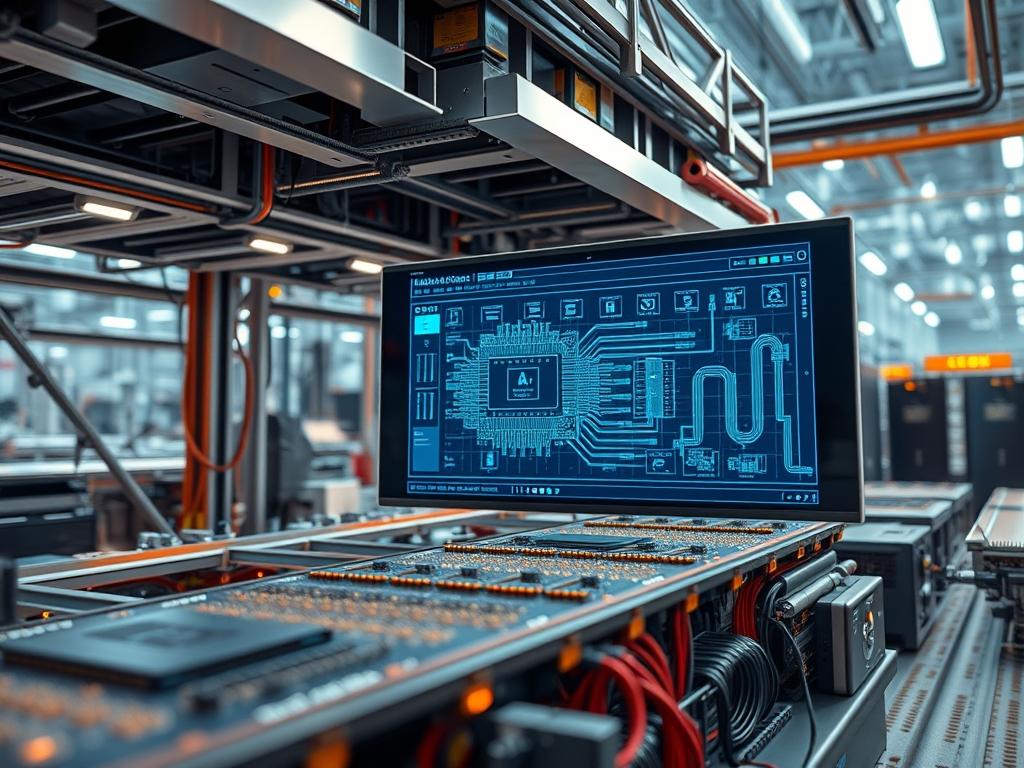
Universal Input Output Boards represent a paradigm shift in distributed control systems for modern HVAC and industrial automation environments. Traditional controllers rely on fixed hardware architectures where specific terminals are hard-wired for either analog or digital signals. This rigidity creates significant overhead during the engineering and commissioning phases; any change in sensor requirements or actuator types necessitates physical rewiring or hardware replacement. Universal Input Output Boards address these inefficiencies by utilizing software-defined circuitry. Each port on a universal board can be dynamically reconfigured as a Digital Input (DI), Digital Output (DO), Analog Input (AI), or Analog Output (AO) without altering the physical termination. This versatility reduces the technical debt associated with sensor mismatch and simplifies the encapsulation of field device data into the broader building management system (BMS) network. By centralizing the I/O personality within the firmware layer, architects can mitigate signal-attenuation issues and optimize the overall thermal-inertia management of large scale energy systems.
TECHNICAL SPECIFICATIONS
| Requirement | Default Port/Operating Range | Protocol/Standard | Impact Level (1-10) | Recommended Resources |
| :— | :— | :— | :— | :— |
| Power Supply | 24V AC/DC (+/- 15%) | IEEE 802.3af (PoE+) | 8 | 1.5A Continuous Draw |
| Universal Ports | 0V to 10V / 4-20mA | Modbus RTU/TCP | 10 | 12-bit Resolution ADC |
| Logic Speed | 10ms Scan Rate | BACnet MS/TP | 7 | ARM Cortex-M4 @ 120MHz |
| Memory Buffer | 512 KB Flash / 128 KB RAM | ANSI/ASHRAE 135 | 6 | High-Speed NVRAM |
| Operating Temp | -40C to +85C | IEC 60068-2-1 | 9 | Industrial Grade Silicon |
| Isolation | 2.5 kV Galvanic | UL 60730 | 9 | Opto-isolators on all I/O |
THE CONFIGURATION PROTOCOL
Environment Prerequisites:
Before deploying Universal Input Output Boards, ensure the underlying infrastructure meets the following baseline requirements:
1. Compliance with NEC Class 2 wiring standards for all low-voltage signal paths.
2. Logic controllers must be running firmware version 4.2.0 or higher to support the dynamic register mapping of universal ports.
3. Access to the root directory through a secure shell (SSH) or similar terminal interface is required for low-level driver binding.
4. User permissions must be elevated to sudo or admin-level to modify the config.txt or hardware abstraction layer scripts.
5. Physical measurement tools, specifically a fluke-multimeter and a signal generator, are mandatory for loop calibration.
Section A: Implementation Logic:
The theoretical benefit of the Universal Input Output Boards lies in their software-defined versatility. The engineering design utilizes an idempotent configuration model; each time the system boots, it re-verifies the port personality against a central configuration file. This ensures that no “ghost” settings from previous configurations persist, which could otherwise lead to physical damage if a port previously defined as a 24V output is suddenly connected to a sensitive 0-10V sensor. By abstracting the hardware layer, the system reduces the protocol overhead and allows for high-concurrency data acquisition from multiple sensor types simultaneously. This architecture also minimizes latency by processing signal conversions at the edge, rather than sending raw data packets back to a central server for interpretation.
Step-By-Step Execution
1. Mechanical Integration and Grounding
Secure the Universal Input Output Board onto a standard 35mm DIN rail within the control enclosure. Ensure that the grounding lug is connected to the common building ground with a minimum 14 AWG copper wire to prevent electromagnetic interference.
System Note: Proper grounding reduces signal-attenuation and prevents transient voltage spikes from corrupting the internal logic-controllers memory buffers.
2. Primary Power Verification
Using a fluke-multimeter, measure the input voltage at the PWR_IN terminals. The voltage must remain within the 22V to 26V DC range to ensure stable operation of the on-board logic-controllers.
System Note: Fluctuations in input voltage can cause erratic ADC (Analog-to-Digital Converter) readings, leading to false triggers in the HVAC sequence of operations.
3. Firmware Injection and Driver Binding
Connect a laptop to the service port and execute the command sudo flash-utility –device /dev/ttyUSB0 –image hvac_uio_v2.bin. This will overwrite the existing kernel image with the latest drivers required for universal port mapping.
System Note: This command updates the kernel-level drivers that manage the multiplexers on the board, ensuring that the software can correctly route signals to the ADC or the DAC (Digital-to-Analog Converter).
4. Software Definition of Port Personality
Navigate to the configuration directory using cd /etc/hvac/io_mapping/ and open the port_config.json file. Define each port by setting the “type” variable to “AI_10V”, “DI_DRY”, or “AO_4-20MA”. Save the file and restart the service using systemctl restart hvac-io-service.
System Note: The hvac-io-service reads the JSON payload and reconfigures the internal MOSFET switches to match the desired electrical characteristics for each terminal.
5. Loop Calibration and Signal Validation
Inject a 5V signal into port 1 using a signal generator. Verify the reading in the system logs by executing tail -f /var/log/sensor_data.log. The output should display a value of 500 (if using 0-1000 scaling).
System Note: This validation step confirms that the signal encapsulation logic is correctly interpreting the physical voltage as a numerical value within the BMS database.
Section B: Dependency Fault-Lines:
Installation failures typically occur at the driver-binding stage. If the operating system fails to recognize the Universal Input Output Board, check the dmesg | grep -i “uio” output for “device not responding” errors. This usually indicates a baud rate mismatch on the RS-485 bus or a conflict with an existing modprobe entry. Another common bottleneck is the physical signal-attenuation caused by using unshielded twisted pair (UTP) cabling over long distances. High-impedance analog signals are particularly susceptible to noise from variable frequency drives (VFDs) if not properly shielded. Ensure that all analog signal wires are separated from high-voltage power lines by at least 12 inches.
THE TROUBLESHOOTING MATRIX
Section C: Logs & Debugging:
The first point of failure analysis should always be the system journal. Use the command journalctl -u hvac-io-service -n 100 to view the last 100 lines of service activity. Look for the error string “ERR_CONFIG_MISMATCH”; this indicates that the physical hardware connected to a port does not match the software-defined type in port_config.json.
If a sensor is providing “NaN” or “0” values, check the physical path starting at the board terminal. Use the command cat /sys/class/uio/uio0/device/raw_voltage to see the raw bit values arriving at the CPU. If the raw value is fluctuating wildly while the physical input is steady, it points to a grounding loop or a failing opt-isolator on the board. Visual cues on the hardware itself are also critical; a flashing red “STAT” LED usually signifies a heartbeat loss between the Universal Input Output Board and its parent logic-controller. If the “COMM” LED is solid red, it indicates significant packet-loss on the communication trunk, likely due to a termination resistor missing at the end of the Modbus line.
OPTIMIZATION & HARDENING
To achieve maximum performance, the Universal Input Output Boards must be tuned for specific throughput and thermal conditions. Performance tuning involves adjusting the “scan_rate” variable in the firmware. For critical HVAC applications like laboratory pressure control, a scan rate of 10ms is required to maintain safety setpoints. However, for general space temperature sensing, increasing this to 1000ms reduces the CPU overhead and lowers the thermal signature of the board.
Security hardening is paramount in interconnected building systems. Access to the configuration scripts must be restricted via chmod 600 /etc/hvac/io_mapping/port_config.json to prevent unauthorized port reconfiguration. Furthermore, a physical fail-safe logic should be implemented; if a Universal Input Output Board loses communication with the master controller, it should be programmed to enter a “Safe State” where all outputs default to 0V or “Open” to prevent equipment damage.
Scaling these systems requires a modular approach. When expanding the network, utilize the high-speed backplane of the boards to daisy-chain additional modules. This minimizes the latency that would otherwise be introduced by long home-run cable lengths. Ensure that each added board is given a unique device ID to prevent collision on the communication bus.
THE ADMIN DESK
How do I reset a port if it becomes unresponsive?
Execute echo 1 > /sys/class/uio/uio0/device/reset_port_1. This triggers a low-level hardware reset of the port multiplexer. If the issue persists, verify the physical fuse located behind the terminal block to ensure it has not blown due to an overcurrent event.
Can I mix different signal types on the same board?
Yes. Use the port_config.json file to assign distinct personalities to each channel. The board is designed for high-concurrency, allowing it to process 0-10V, 4-20mA, and dry contact signals simultaneously across different terminals without any signal cross-talk or interference.
What causes the “Packet-Loss” error on the BMS display?
This is usually caused by signal-attenuation or lack of proper termination on the RS-485 bus. Ensure a 120-ohm resistor is installed at the last node. Also, verify that the baud rate of the board matches the master controller settings exactly.
How do I update the port firmware without a full system reboot?
Use the command hvac-io-ctl –reload –config /etc/hvac/io_mapping/port_config.json. This command forces the service to re-read the configuration file and re-initialize the ports in real-time, maintaining the uptime of the existing control loops.
Why does the board feel hot to the touch during operation?
Check the total current draw of all configured Digital Outputs. High load on multiple ports increases the thermal footprint. System-wide throughput settings may also be too aggressive; try increasing the sensor polling interval to reduce the computational overhead on the board processor.