
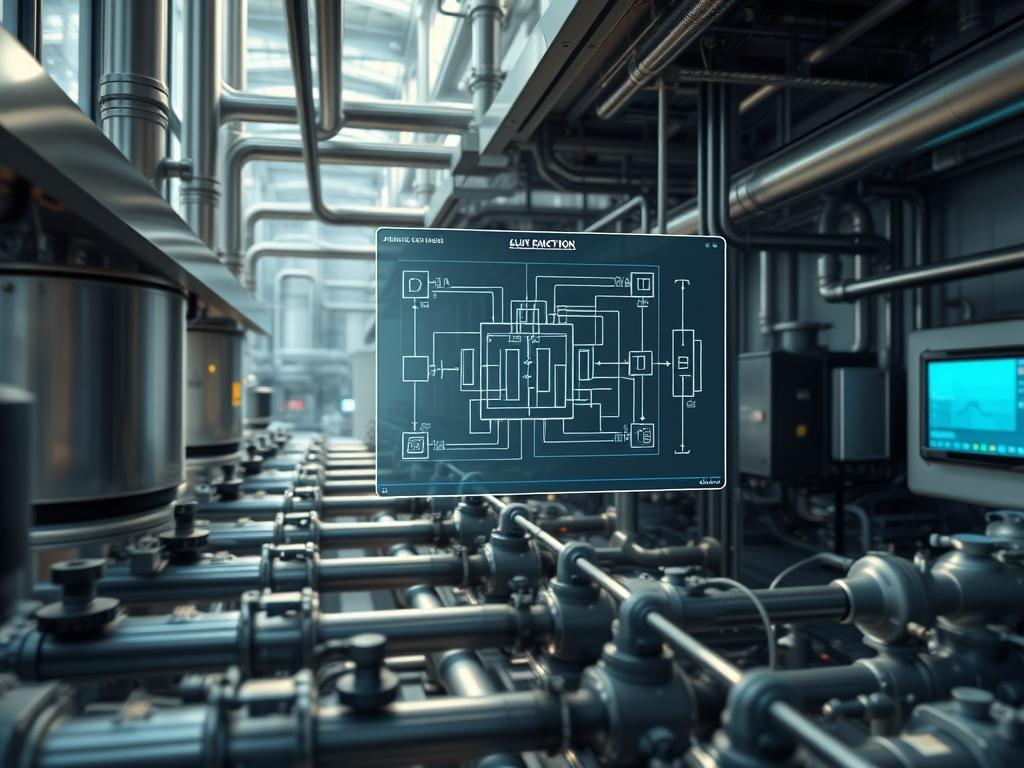
Process Cooling Water Loops serve as the thermodynamic backbone for high density industrial environments; including semiconductor fabrication plants, heavy chemical processing facilities, and large scale data centers. These systems provide a critical heat sink for sensitive equipment by circulating chilled water through complex networks of piping, heat exchangers, and cooling towers. The primary technical challenge involves maintaining a stable temperature and pressure differential regardless of the varying thermal load generated by the production floor. This requires a sophisticated integration of mechanical hardware and digital control logic. Failure to stabilize these loops results in equipment overheating, reduced throughput, and catastrophic material loss. This manual provides a systematic framework for the design, configuration, and auditing of these loops to ensure maximum uptime and precision. We treat the cooling loop not merely as a plumbing fixture, but as a high precision utility governed by deterministic control laws and real time telemetry.
TECHNICAL SPECIFICATIONS
| Requirement | Default Port/Operating Range | Protocol/Standard | Impact Level (1-10) | Recommended Resources |
| :— | :— | :— | :— | :— |
| Temperature Stability | 18C to 22C (+/- 0.1C) | NIST / ASME | 10 | High-Grade RTD Probes |
| Pressure Management | 45 PSI to 75 PSI | ASHRAE 90.1 | 8 | 4-20mA Transducers |
| Control Communication | Port 502 (Modbus/TCP) | IEC 61131-3 | 9 | Cat6A / 1Gbps NIC |
| Fluid Conductivity | 500 to 1200 uS/cm | ASTM D1125 | 7 | Logic-Controller / PLC |
| Pump Throughput | 500 to 5000 GPM | ISO 9906 | 9 | Variable Frequency Drive |
THE CONFIGURATION PROTOCOL
Environment Prerequisites:
Before initiating the setup of the Process Cooling Water Loops, the engineer must ensure compliance with all local and international engineering standards. This includes the National Electrical Code (NEC) for all high voltage Variable Frequency Drive (VFD) installations and ASME B31.3 for process piping integrity. Necessary software includes a secure terminal emulator for PLC access and a licensed copy of the manufacturer-specific Integrated Development Environment (IDE) for the logic controller. The auditor must possess root-level administrative permissions for the Industrial Control System (ICS) and physical access to the manual bypass valves. All instrumentation must be calibrated using a fluke-754 documenting process calibrator to ensure signal accuracy before the system is brought online.
Section A: Implementation Logic:
The engineering design of a cooling loop relies on the principle of thermal-inertia management. Because water has a high specific heat capacity, the system possesses a natural resistance to rapid temperature changes. While this stabilizes the loop against minor fluctuations, it introduces significant latency in the feedback loop. To counter this, we implement a Feed-Forward control strategy alongside a traditional Proportional-Integral-Derivative (PID) algorithm. The logic-controller calculates the required throughput by monitoring the process load before the heat exchanger, rather than reacting solely to the return water temperature. This encapsulation of physical variables into digital control logic reduces the response time and minimizes thermal overshoot. Every command sent to the VFD or pneumatic valves must be idempotent; sending the same “Set Speed” or “Open Valve” command multiple times must result in the same physical state without causing mechanical oscillation or logic cycles.
Step-By-Step Execution
Step 1: Physical Media Initialization and Pressure Testing
Ensure all manual isolation valves are in the closed position to prevent uncontrolled fluid flow. Open the primary fill valve and monitor the pressure-transducer-01 readout at the main header. Increase pressure in 10 PSI increments until the system reaches 1.5 times the operating pressure.
System Note: This action verifies the structural integrity of the piping and ensures that no mechanical leaks will interfere with the digital pressure-sensing logic later in the sequence.
Step 2: Calibrating the RTD and Pressure Transducers
Connect the fluke-multimeter to the analog input terminals of the plc-rack-01. For a 4-20mA sensor loop, verify that 4mA corresponds exactly to the 0 index of the measurement range (e.g., 0 Celsius or 0 PSI). Any signal-attenuation caused by long cable runs must be compensated for using a calibration offset within the PLC software.
System Note: Proper calibration at the hardware layer prevents mathematical errors in the control algorithm. It ensures that the payload delivered to the logic controller accurately represents the physical state of the fluid.
Step 3: Configuring the VFD and Modbus/TCP Gateway
Access the VFD interface via the terminal-console and set the communication parameters. Assign a static IP address to the vfd-controller-unit and enable Modbus/TCP on port 502. Set the baud rate and parity to match the upstream logic controller requirements.
System Note: Establishing a robust communication layer is vital. High packet-loss or network jitter can disrupt the timing of the PID loop, leading to unstable pump speeds and dangerous pressure spikes within the loop.
Step 4: Input/Output Mapping in the Logic Controller
Map the physical I/O registers to the internal software variables. Configure the temp_sensor_feedback variable to the correct address in the modbus-tool register map. Ensure that the logic-controller uses 32-bit floating-point math to handle the temperature precision required for the loop.
System Note: This step creates the digital twin of the physical sensors. It encapsulates the raw voltage or current into a meaningful data structure that the PID algorithm can process.
Step 5: Tuning the PID Loop Parameters
Initialize the PID block and set the initial Proportional gain (Kp) to 1.2, the Integral time (Ti) to 300 seconds, and the Derivative time (Td) to 0. Disable the derivative component initially to avoid noise amplification. Gradually increase the proportional gain until the system begins to oscillate; then reduce it by 50 percent.
System Note: This action tunes the response of the pump to the heat load. Correct tuning reduces the energy overhead by preventing the pump from over-compensating for minor thermal drifts.
Step 6: Implementing Fail-Safe Logic and Interlocks
Write a watchdog timer logic that monitors the communication between the PLC and the VFD. If the controller detects a heartbeat failure, it must trigger the emergency-shutdown-routine, which defaults all valves to their fail-safe positions (usually open for cooling loops to allow for natural convection).
System Note: Implementing fail-safe logic at the kernel level of the PLC ensures that the system remains safe even if the supervisory software or the network network fails.
Section B: Dependency Fault-Lines:
Project failures in Process Cooling Water Loops often stem from mechanical bottlenecks or electrical interference. Cavitation in the pump housing occurs if the Net Positive Suction Head (NPSH) is insufficient; this leads to physical erosion and erratic throughput. From a digital perspective, a common fault-line is the signal-attenuation of 0-10V analog signals in high EMF environments. If the sensor cables are not shielded and grounded at a single point, electrical noise will be interpreted as temperature fluctuations by the PLC. Additionally, software version mismatches between the Modbus gateway and the primary industrial PC can result in “Register Overflow” errors, where the data payload exceeds the allocated memory, causing the control service to crash.
THE TROUBLESHOOTING MATRIX
Section C: Logs & Debugging:
The first step in diagnosing an unstable loop is to examine the system logs located at /var/log/industrial_gateway.log or the internal diagnostic buffer of the PLC. Look for error strings such as “COMM_ERROR_05” which typically indicates a timeout in the Modbus handshake. If the temperature is drifting, check the sensors.log for erratic spikes that indicate signal-attenuation or a failing RTD probe.
Visual inspection remains a critical component of the audit. Compare the digital readout on the Human Machine Interface (HMI) with the physical gauge located at the pump discharge. A discrepancy of more than 2 PSI indicates a need for recalibration or a blockage in the sensor port. Use the tail -f command on the gateway server to monitor real time traffic. If you observe high latency in the request-response cycle, check for network congestion or a broadcast storm on the industrial VLAN.
OPTIMIZATION & HARDENING
Performance tuning of a cooling water loop focuses on reducing thermal-inertia lag. By implementing a variable set-point strategy based on the outdoor ambient wet-bulb temperature, you can optimize the energy throughput of the cooling towers. This reduces the mechanical overhead on the chillers during cooler months. For concurrency management, ensure that when multiple pumps are running in parallel, their VFDs are synchronized to avoid “fighting” for the same head pressure.
Security hardening is paramount in modern networked infrastructure. Ensure that all PLC and VFD interfaces are behind a dedicated firewall and that the Modbus port is not exposed to the general corporate network. Use Access Control Lists (ACLs) to restrict traffic to known MAC addresses of the control workstations. On the physical side, ensure that all critical valves are equipped with tamper-proof locks and that every manual override is logged by the security system.
Scaling the system requires a modular design. When adding a new production line, the header must be sized for the future volumetric throughput to prevent increased friction loss. Use a “Lead-Lag” configuration for the pumps to ensure that as the load increases, additional units are brought online automatically without interrupting the flow of the primary loop.
THE ADMIN DESK
How do I fix a PID HUNTING error?
Reduce the Proportional gain (Kp) by 20 percent and increase the Integral time (Ti) to slow the system response. Hunting is usually caused by the controller reacting too aggressively to high thermal-inertia or sensor noise.
What causes a COMM_TIMEOUT on the VFD?
This is typically due to network latency or electrical interference on the RS-485 or Ethernet line. Verify cable shielding and check for packet-loss using a network analyzer to ensure the Modbus payload is reaching the destination.
Why is my pump cavitating at low speeds?
Cavitation at low RPM often indicates that the system is operating below the minimum required head pressure. Check the suction side for obstructions and ensure the bypass valve logic is correctly maintaining the minimum required throughput for the pump.
How do I verify sensor accuracy remotely?
Compare the feedback from two redundant sensors located at the same header. If the variance exceeds 0.5 percent, trigger an automated maintenance alert. Use the offset-variable in the PLC to perform a temporary software calibration until physical service is possible.
Can I run the loop without a PLC?
Yes; however, it requires switching the VFDs to “Local Manual” mode. This removes all intelligent automation and requires 24/7 physical monitoring of the pressure and temperature gauges to prevent thermal runaway or piping failure.